
Faster authorised entry
Approved vehicles can move through the gate without repeated manual checking.
SMARTVISION GATE
Offline-first number-plate recognition and gate automation for residential societies and controlled-entry entrances.
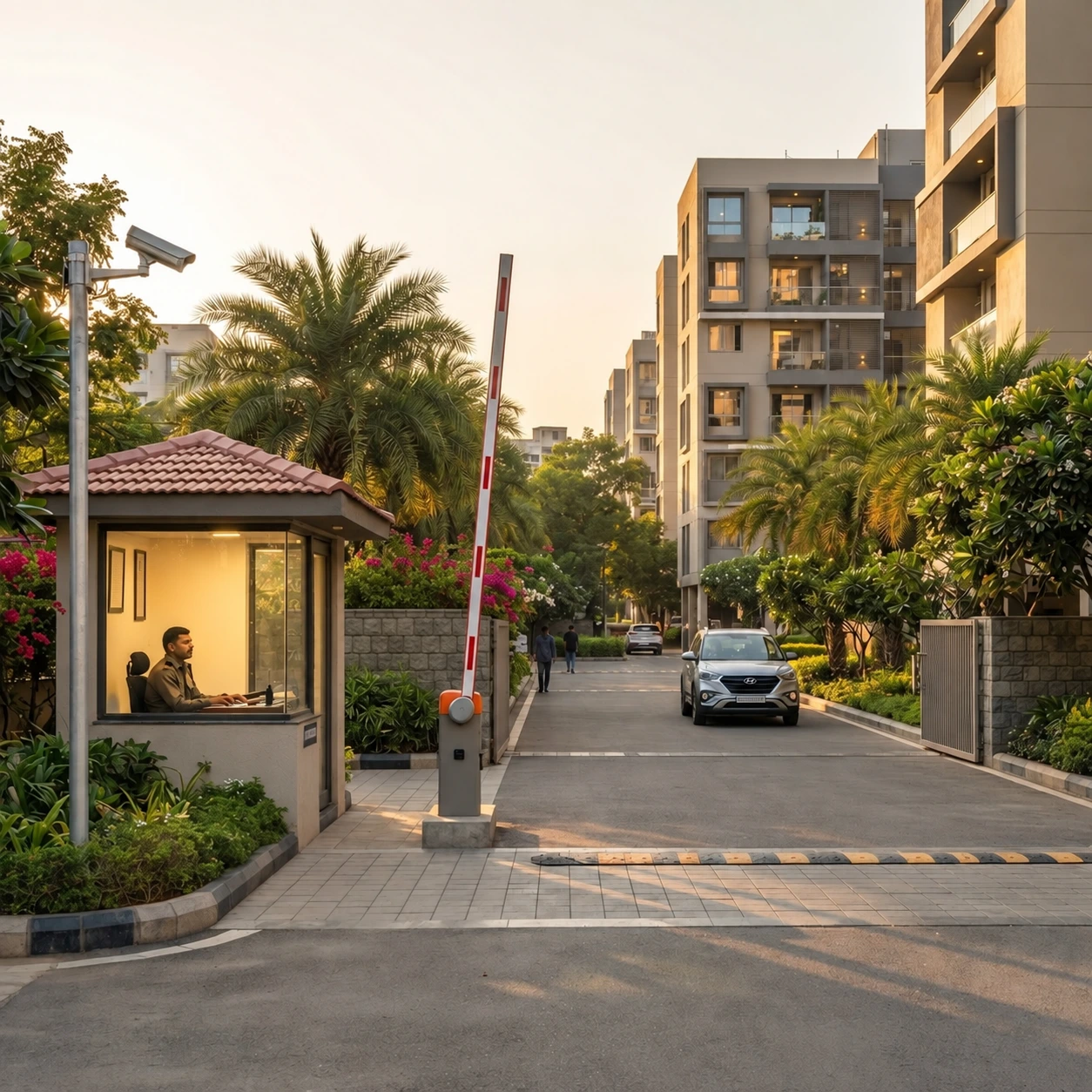
The entrance camera sees the vehicle enter the configured lane.
OVERVIEW
SmartVision Gate observes the vehicle, reads the visible number plate, checks local society policies and coordinates the configured response.
Approved vehicles can move through the gate without repeated manual checking.
Unknown, unreadable or restricted vehicles follow the configured safe process.
Important automatic and manual gate actions are recorded for review.
HOW IT WORKS
The right response starts with a clear view of the entrance.
A suitable entrance camera provides the current vehicle frame.
The system detects the vehicle and normalises the visible plate.
Local policies determine authorised, unknown, blocked or manual review.
The barrier opens, remains closed or requests guard verification while the event is recorded.
AUTOMATIC ACCESS
Recognised authorised vehicles can trigger the configured gate response without repeated manual checking.

OPERATIONAL CONTROL
Guards and administrators can review exceptions, use manual control and understand why each gate decision was made.

OFFLINE-FIRST OPERATION
Core recognition and access-policy decisions are designed to continue locally. Connected services support configuration, records and wider visibility.
MOBILE APP
Residents, guards and society administrators receive the information and controls relevant to their responsibilities.
PRODUCT DEMO
Choose a sample vehicle to see how the society’s access rules change the response.
Registered resident vehicle
DEPLOYMENT
Every deployment starts with the entrance, camera feed, barrier controller, power, network and operating workflow—not a generic hardware package.
Inspect the entrance, camera angle, barrier and safety hardware.
Confirm compatible feeds, edge hardware, networking and controls.
Configure society data, local rules and approved outputs.
Validate recognition, exceptions, manual control and response.
Train the operating team and observe the initial rollout.
PRICING
Final pricing depends on lanes, camera suitability, barrier integration, networking and required hardware.
Request a site quote →FAQ
Compatibility and performance are confirmed against the real entrance rather than assumed from a brochure.
SmartVision Gate can work with suitable IP cameras and network-enabled DVR or NVR systems that provide a usable feed. Compatibility is confirmed during the site assessment.
Core gate decisions are designed to continue on the local edge system. Connected records synchronise when connectivity returns.
Yes. Manual control remains available, and important manual actions can be recorded.
The system does not guess. It follows the configured safe policy and may request manual review.
Night performance depends on camera suitability, lighting, plate visibility, vehicle movement and entrance conditions. These are reviewed during assessment.
Integration depends on the existing barrier controller and safe switching interface. This is confirmed during the technical review.
LET’S TALK